
Turn bank statement PDFs into CSV / Excel — on your device.
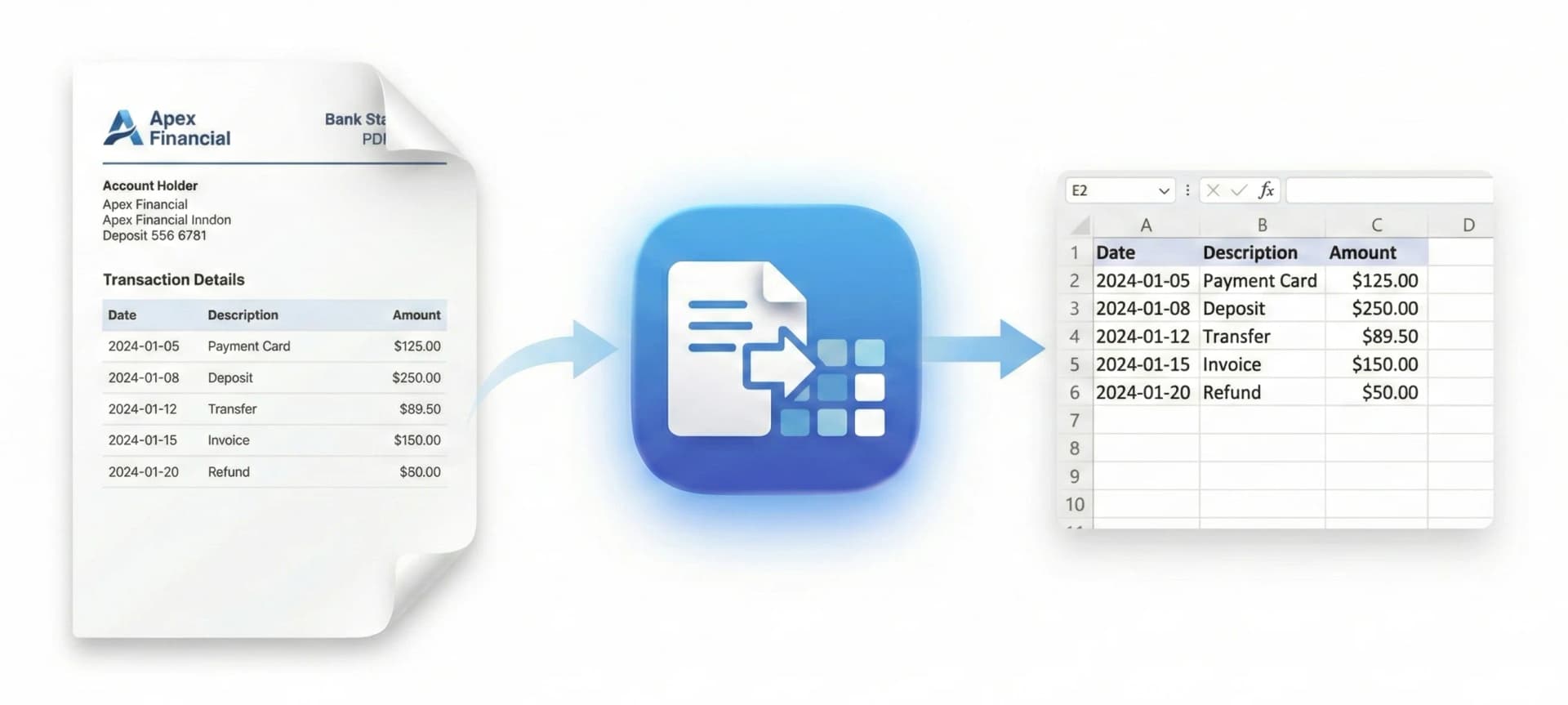
Drop a statement PDF and get CSV / Excel in seconds. 100% on-device. Your documents never leave your computer.
By downloading, you agree to our Terms and Privacy Policy.
Safe
Runs entirely on your computer. No uploads. No third-party processing.
Fast
Most PDFs convert in about a second. Built for high-volume workflows.
Accurate
Supports 1,000+ bank statement formats. Best results with text-based PDFs; OCR covers scanned statements.
Free for most people.
You get a free allowance right after install — enough for everyday statement exports. Only heavy usage requires a subscription, managed inside the app.
- Start free in under a minute
- Upgrade only if you need higher volume
- Cancel anytime
By downloading, you agree to our Terms and Privacy Policy.
Made for real bookkeeping work.
Frequently Asked Questions
Is it really on-device?
Do I need an account?
Which banks are supported?
Does it work with scanned statements?
Guides & Resources
Learn how to convert bank statements from major banks, compare tools, and protect client data.
Convert your first statement in minutes.
On-device. Fast. Accurate. Free to start.
By downloading, you agree to our Terms and Privacy Policy.